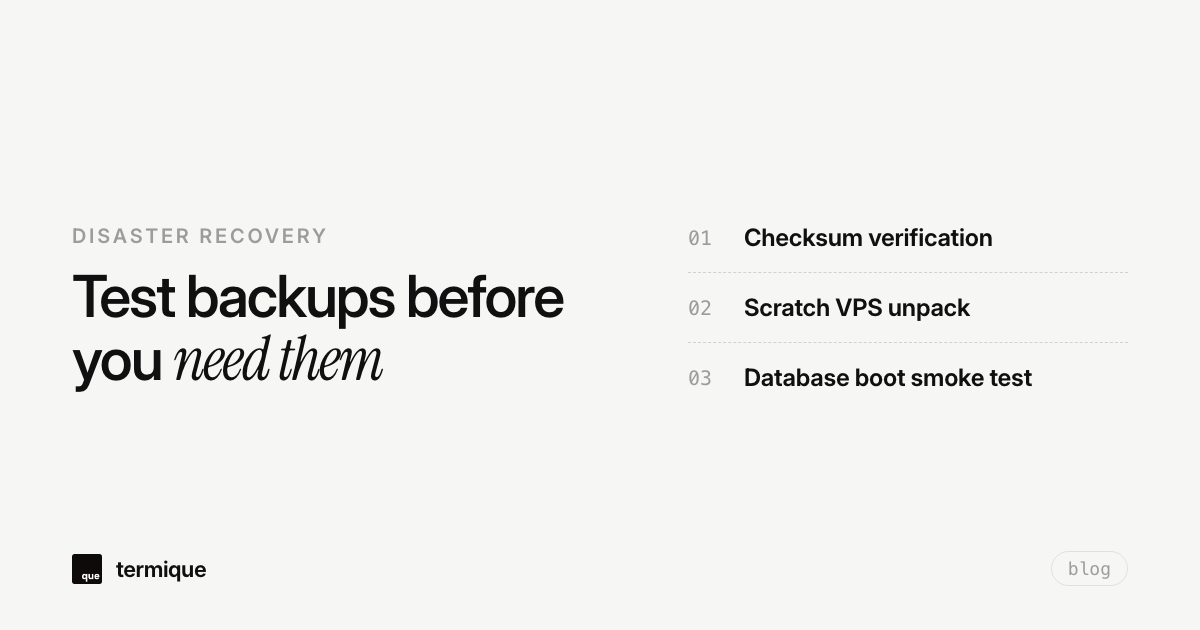
A backup copy sits in your offsite bucket, and the cron job that makes it has run without an error for six months. That feels like safety. It is not. The only backup that counts is the one you have actually restored, end to end, at least once. Everything else is a folder full of hopes.
Why backups fail invisibly
Backups fail in ways that do not look like failures. A backup job that backs up the wrong directory succeeds with a cheerful exit code 0. A database dump inside a cron job that runs without its environment variables produces an empty file that still satisfies the log. A backup that is encrypted with a key nobody saved is indistinguishable from good until you need it. The only way any of these surface is by attempting to restore.
The silent failure is the dangerous one because it compounds. Month after month the job reports success, the backup file grows, and the confidence grows with it, all while the restore path is broken. By the time you discover it, the restore window you expected may already be gone. Nothing finds this except the drill.
The 3-2-1 backup rule tells you what copies you should have. It says nothing about whether any of them work. Verifying that is a separate, equally important job.
What a restore drill actually answers
- Is the backup file complete and readable? An empty or truncated archive is the most common silent failure.
- Can you actually unpack it? Archive corruption, wrong permissions, and unsupported compression all show up here.
- Does the restored data make sense? A database backup restores, but its latest table is a month older than the backup.
- How long did it take? If a restore that should take 10 minutes takes 3 hours, your recovery-time expectations are wrong.
- Could a stranger (future you) do this? If only the person who set it up can restore it, it does not count as a backup.
The single-VPS restore drill, step by step
Run the drill on a disposable machine. A fresh VPS or a local VM is fine; the point is something you are willing to destroy, so the drill never touches production.
# 1. Download the latest backup
curl -O https://offsite.example.com/backups/app-2026-09-01.tgz

# 2. Verify integrity before unpacking
sha256sum app-2026-09-01.tgz   # matches the recorded hash?

# 3. Inspect the archive before committing
 tar tzf app-2026-09-01.tgz | head

# 4. Unpack into a scratch dir, never over real files
tar xzf app-2026-09-01.tgz -C /tmp/restore-test
Then, with the data on disk, restore the database the same way you would in a real disaster, and run the read path against it:
# 5. Restore the DB dump and start the service
mysql app < /tmp/restore-test/app.sql

# 6. Smoke-test the app, not just the files
curl -s https://restore-test.whatever/health
# look for the row count you expect in the newest table
The last step is the one people skip, and it is the one that catches the scariest failure: a restore that completes but serves stale data. File restores can succeed perfectly while the application’s latest state is missing because the backup ran before the final writes. A smoke test against restored data is what separates a restore from a restore that works.
What the drill checklist looks like as a routine
After the first full drill, turn it into a short recurring checklist. Quarterly is a reasonable cadence for a single VPS, more often if the data changes fast or the box is business-critical. The checklist itself stays small:
- Backup file exists with today’s expected date.
- Checksum matches the recorded value.
- Archive opens and contains the directories or tables you expect.
- Restore completed on the scratch machine in reasonable time.
- App boots against the restored data and passes its health check.
- You recorded the restore time in a runbook.
Automate the parts you can. The checksum comparison and the archive listing are trivial to script into the backup job itself, so the drill starts from a place where you already know the file is not empty and not corrupt. What remains manual, the actual boot-and-test on scratch hardware, is also the part that cannot be faked.
What to do when the drill fails
A failed drill is a gift, and the timing matters: you found out now, not during a real outage. Fix the backup job, refresh the runbook, and re-run the drill until it passes. If the failure was a missing decryption key, the fix belongs in documentation or a password manager, somewhere a new person could find it after you are gone.
The disaster-recovery runbook pattern is worth reading alongside this: the single-VPS DR runbook covers what to write down before you need it, which is the other half of “backup that actually works.” And if your backups run over cron, automating backups with cron and offsite storage shows the job shape that produces restorable files in the first place.
Backup strategy and the restore drill are one system
The drill also exposes whether your snapshot cadence matches your tolerance for data loss. If you can only restore what existed at midnight, and an incident at 2 PM wipes the day’s work, the backup strategy and the drill both need adjusting. Running the drill makes that mismatch visible, because a missing hours-of-data gap shows up as “the newest restored file is from yesterday.”
The decision sits alongside the 3-2-1 rule and the restoration-time tradeoff between backup types. Restore drills are where those abstract choices become concrete numbers you actually trust.
Backup strategy and the restore drill are one system
The drill also exposes whether your snapshot cadence matches your tolerance for data loss. If you can only restore what existed at midnight, and an incident at 2 PM wipes the day’s work, the backup strategy and the drill both need adjusting. Running the drill makes that mismatch visible, because a missing hours-of-data gap shows up as “the newest restored file is from yesterday.”
The difference between backup and recovery time
A backup that restores is not the same as a recovery you can afford. The drill measures both, and they are separate numbers: how long the restore took, and how long you can let the app be down. If the restore takes three hours and the customer expects the site back in thirty minutes, the exercise reveals a gap that no backup job will ever fix. Write both numbers into the runbook, then decide whether the gap is acceptable or whether you need a faster restore path.
Automating the parts of the drill that can be automated
Not everything about a restore drill must be done by hand. The integrity check and the smoke test can run on a schedule against a scratch box, which turns the quarterly drill into a monitoring job that runs monthly. What should stay manual is the judgment call: someone should still look at the restored app and decide it actually serves real traffic. Automate the proof, keep the human for the assessment.
Point-in-time recovery and database transaction logs
For databases like PostgreSQL and MySQL, file-level snapshots alone do not allow you to recover to the minute before an accidental DROP TABLE occurred. True recovery readiness requires pairing nightly physical dumps with continuous Write-Ahead Log (WAL) or binary log archiving:
# In postgresql.conf:
wal_level = replica
archive_mode = on
archive_command = 'test ! -f /mnt/wal_archive/%f && cp %p /mnt/wal_archive/%f'

# In recovery drill:
# 1. Restore base backup
# 2. Replay WAL logs up to targeted target_time timestamp
restore_command = 'cp /mnt/wal_archive/%f %p'
recovery_target_time = '2026-09-18 14:32:00 UTC'
Including WAL replay in your quarterly restore drill verifies that transaction log archives are not corrupted or fragmented. Without testing WAL replay, point-in-time recovery is merely a theoretical capability that frequently fails during real crisis recovery.
RPO and RTO: the metrics that guide your backup schedule
Every disaster recovery plan is governed by two core metrics: Recovery Point Objective (RPO) and Recovery Time Objective (RTO). RPO defines how much data you can afford to lose (measured in hours or minutes of lost transactions). RTO defines how long your business can tolerate the service being completely offline while you restore.
If your RPO is 1 hour, daily backups fail by design: you risk losing up to 23 hours of customer data. If your RTO is 15 minutes, restoring a 200GB uncompressed SQL dump over a 100Mbps network pipe is guaranteed to breach your SLA. Calculating both numbers before choosing your backup tooling is what separates production engineering from wishful thinking.
The takeaway
A backup is a promise, and a promise is only as good as the one time it was kept. Pick an afternoon, spin up a scratch machine, and restore your newest backup onto it. Find the silent failure now, while it is still an exercise and not an incident.
Running drills means SSHing into disposable boxes and reading logs. termique is a free SSH manager we build, with hosts, keys, and snippets in one place, so the drill box, the production box, and the command that checks them are all two keystrokes apart. termique.app, if you are curious.